

Help and Support
Troubleshooting
Find help with connections, docs runs, publishing, your Knowledge Base, screenshots, and pull request checks.
Troubleshooting
Find fixes for common issues with connections, docs runs, publishing, the Knowledge Base, screenshots, and pull request checks. Choose the symptom that matches what you see. Read the error or run explanation before retrying: a missing connection, a question waiting for your answer, and a failed run need different fixes.
Connecting tools
| Symptom | Fix topic |
|---|---|
| My connected tool says it needs reconnecting. | Reconnect a tool. |
| I connected a tool, but Pageloop still asks me to finish setup. | Complete integration configuration. |
| I can see the connection, but I can’t change its settings. | Integration permissions. |
Docs runs and the Inbox
| Symptom | Fix topic |
|---|---|
| My run is waiting for an answer instead of finishing the draft. | Answer a run’s questions. |
| I answered every question, but the run hasn’t resumed. | Resume a run. |
| Pageloop couldn’t finish my run. | Read the failure reason and retry. |
| The run finished, but I don’t see a new draft. | Find updated Inbox items or the no-change explanation. |
Publishing
| Symptom | Fix topic |
|---|---|
| Pageloop says there’s nothing accepted to publish. | Review and accept changes. |
| Someone published a newer version while I was reviewing. | Review changes against the latest published pages. |
| Pageloop says my changes would leave the docs site invalid. | Fix publication validation problems. |
| The GitLab token expired and I can’t publish. | Reconnect a tool. |
Knowledge Base
| Symptom | Fix topic |
|---|---|
| My Knowledge Base looks empty while my docs are importing. | Check import and sync status. |
| My import or sync failed, and my pages haven’t changed. | Fix a failed docs sync. |
| Pageloop says my help center is synced, but it can’t list the articles. | Check help center organization sync. |
Screenshots
| Symptom | Fix topic |
|---|---|
| Pageloop could not get into my app. | Fix a failed screenshot login test. |
| My draft says screenshots are needed. | Supply missing screenshots. |
| I uploaded a screenshot, but it isn’t in the draft. | Place and review supplied screenshots. |
| I can’t accept a screenshot change without a replacement image. | Replace an image in the article editor. |
Pull request checks
| Symptom | Fix topic |
|---|---|
| The docs check found invalid configuration or a missing page. | Fix documentation check findings. |
| Fix with Pageloop says the pull request has a newer commit. | Request a fix for the latest commit. |
| Fix with Pageloop is unavailable for my public repository or fork. | Check automatic-fix eligibility. |
Pageloop MCP
| Symptom | Fix |
|---|---|
| “The Pageloop MCP isn't available for this workspace's knowledge base yet.” | The knowledge base is a connected help center, or the workspace has no live docs site. Use a Pageloop-hosted docs site; Intercom, Zendesk, Freshdesk, and Help Scout help centers are not supported yet. See Before you start. |
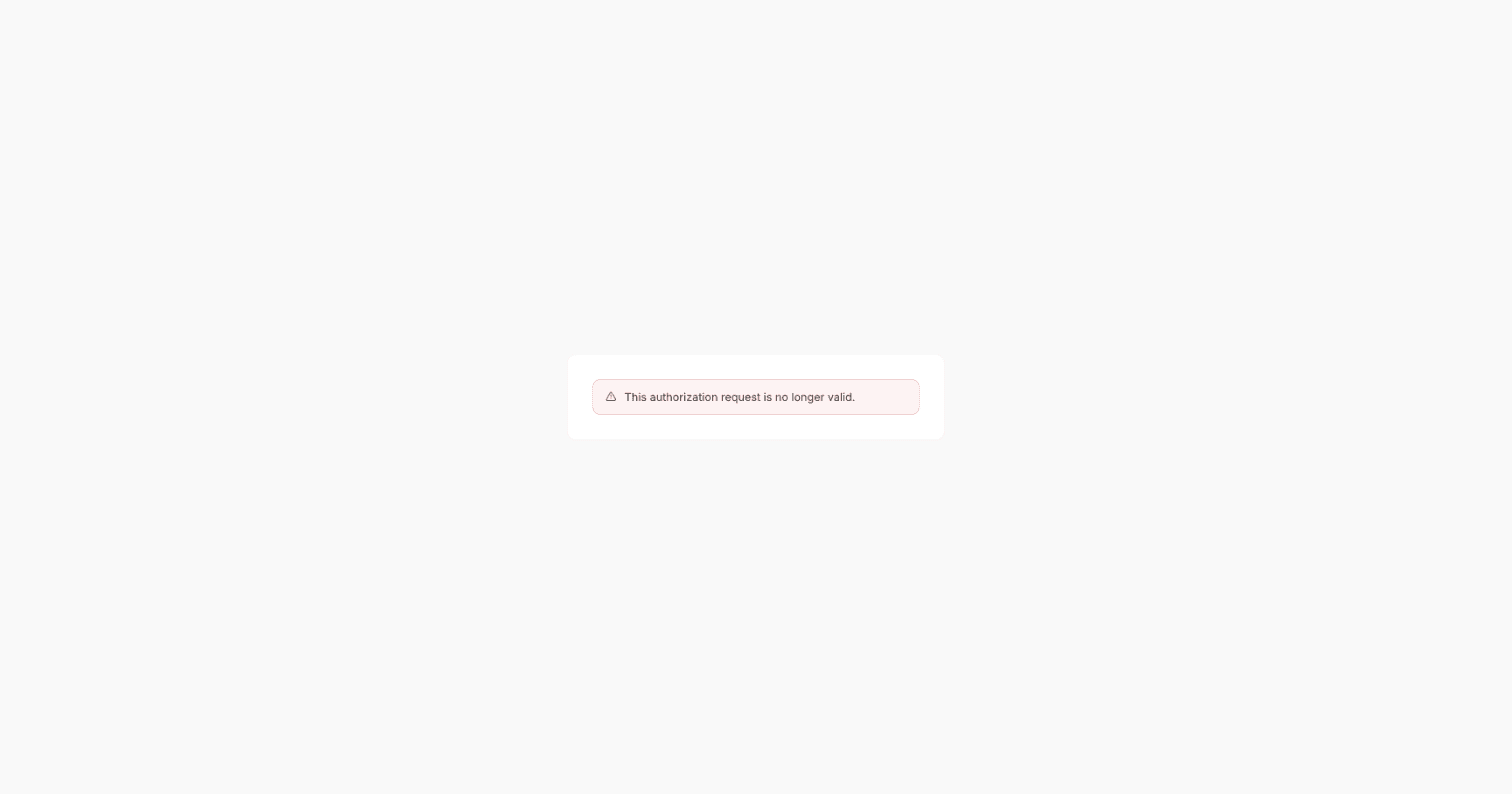
| “This authorization request is no longer valid.” | The sign-in link was already used or has expired. Start sign-in again from your AI tool rather than reopening the old link. See Connect your AI tool. |
| A tool you expected is missing. | Your access level or Pageloop role does not include the capability. Disconnect and reconnect with the permission you need, if your role allows it. See Choose what your AI tool can do. |
| The tool still works after you cleared sign-in. | Clearing sign-in in the tool does not remove the connection in Pageloop. Disconnect the tool in Pageloop. |
| A draft is refused because the page changed on GitHub. | Have a person resolve the changed page in Pageloop before asking the tool to continue. Documentation edits stay in change sets for review; see How changes stay safe and resolve a draft that has fallen behind Main. |
| Submit or publish is refused. | Someone may be reviewing the proposal, the branch may have moved, or checks may have failed. Read the refusal, wait for an active review to finish, or have a person resolve the branch or check failure before retrying. Do not try to bypass the refusal. Check the access your role can grant and Change Sets. |
Contact Pageloop support
Email hello@pageloop.ai for support. For self-service help, open the Account menu in Pageloop and select Help and support to visit the documentation site.
The support team works weekdays and responds within an hour in most cases. Response times are not guaranteed.
Prepare the following details for your support request:
- Your workspace name.
- What you expected to happen.
- What happened instead, including the exact error message and the affected run, Inbox item, page, or pull request link when available.
- Screenshots showing the problem. Cover personal or sensitive data before sharing them.
Do not include passwords, API keys, or access tokens.